Simple Watercolor Floral Backgrounds for Modern Design
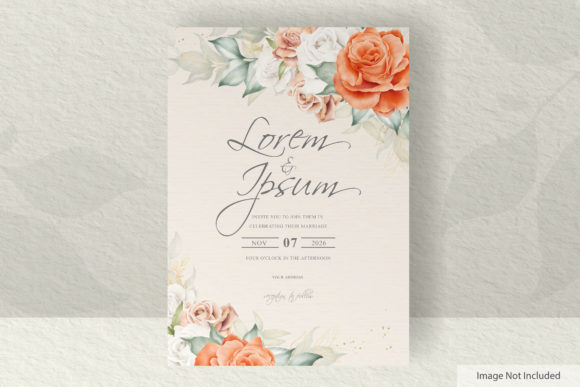
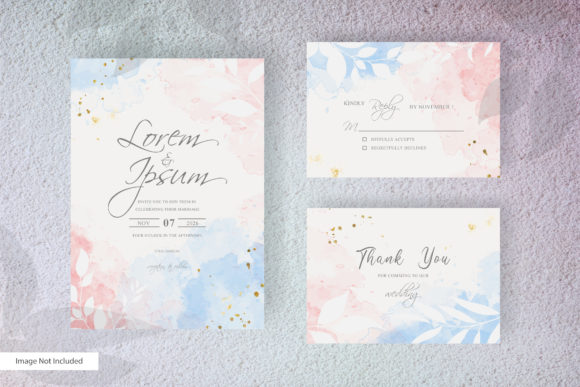
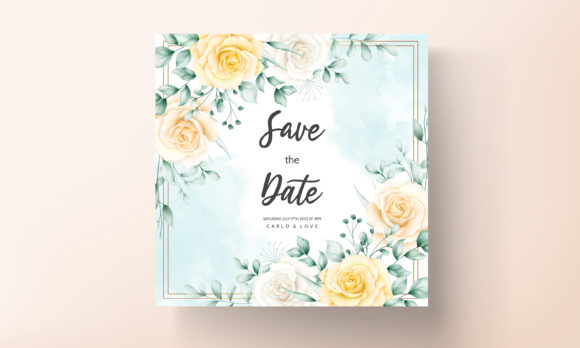
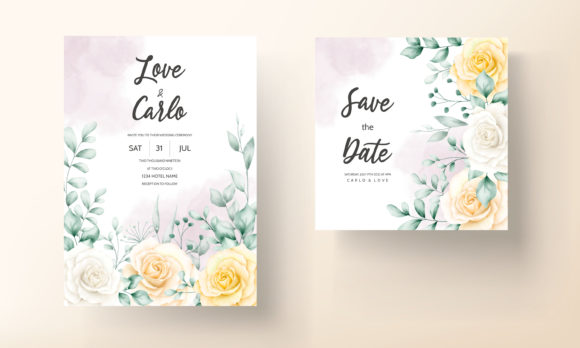
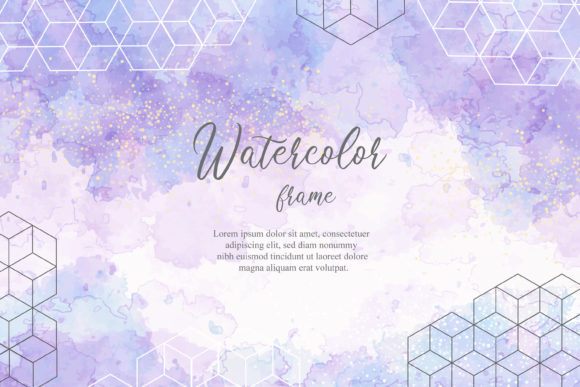
The hallmark of a versatile design resource is its ability to serve both as a foundational canvas and a subtle accent. A Simple Watercolor Floral Background embodies this duality perfectly. It’s a delicate blend of organic, painterly texture and clean, minimalist structure. Unlike dense, complex patterns, these backgrounds offer gentle washes of color and abstract floral shapes, creating space for your content to breathe while adding a layer of sophisticated visual warmth. This makes them incredibly useful for creators who need elegance without distraction.
Why a Minimalist Floral Approach Works
In a digital landscape often dominated by bold graphics and sharp lines, the soft imperfection of watercolor provides a counterbalance. It feels human, approachable, and authentic. When paired with a minimalist approach—where floral elements are hinted at rather than intricately rendered—the result is a background that is emotionally evocative but functionally neutral. It won’t fight with your logos, text, or product images. This balance is key for professionals who must communicate clearly while establishing a specific aesthetic tone, be it for a wellness brand, an independent publisher, or a creative portfolio.
The Practical Creative Possibilities
The editable nature of these files unlocks direct creative applications. Think beyond simply placing text on top. Consider using the abstract watercolor elements as isolated design components. You can extract a singular floral shape to serve as a custom bullet point in a presentation, or use a soft color blotch as a highlight behind a key statistic in an infographic. Because the text color is customizable, you can ensure optimal readability, choosing a deep charcoal for formal documents or a pastel hue to maintain a light, cohesive look for a wedding blog.
For marketers and small business owners, these backgrounds are a swift path to branded consistency. Use the same Simple Watercolor Floral Background across your email campaign headers, social media story templates, and printable event flyers. This visual thread connects your audience’s experience from screen to print. The included bleed area in the printable template is a critical feature here, ensuring your physical materials—like business cards or brochure covers—print professionally without unwanted white edges.
Adapting the Design for Different Audiences and Goals
The true test of a design asset is its adaptability. A freelance designer might layer this background under a client’s sleek product photography for a lifestyle blog, using the watercolor to suggest natural ingredients or artisan craftsmanship. An educator could employ it in a webinar presentation slide deck, where the soft visuals reduce on-screen fatigue without undermining the seriousness of the content. The key is to let the background support the primary message.
For personal projects or hobbyists, the applications are wonderfully broad. Consider using the JPG file as a calming desktop wallpaper, or as the base for a digital scrapbook page. Bloggers can resize sections of the background to create unique, recurring header images for different post categories. Because only free fonts are required, there’s no additional cost or licensing worry, making experimentation easy and legal.
Maintaining Clarity and Originality in Your Projects
When integrating any background, the priority must remain on clarity. Always check the contrast between your text and the underlying colors. The editable text color feature is your main tool here. For dense text blocks, consider placing a semi-transparent white panel over a busier section of the watercolor background before adding your copy. This maintains the texture but guarantees readability.
To keep your results original and avoid a generic look, combine the background with your own elements. Overlay a simple line-drawing you’ve made, or juxtapose the soft watercolor with a bold, modern geometric shape. This creates a dynamic, custom composition. Using the Adobe Illustrator AI or EPS files allows for this deep integration—you can modify the watercolor’s opacity, change specific color hues, or even mask parts of it to create unique shapes, ensuring your final work stands apart.
From Digital Screens to Physical Prints
The inclusion of both high-resolution JPG and vector AI/EPS files caters to the full spectrum of modern creation. The JPG is ready for immediate use in digital platforms: website banners, social media graphics, or online course materials. The vector files, compatible with Adobe Illustrator 2018 and later, are for projects requiring scalability or deep customization. Need the background to cover a large poster without pixelation? The vector format handles that. Want to alter the color palette to match a new brand guideline? Open the AI file and adjust the hues directly.
This duality makes the asset a long-term resource. As your skills or business needs grow, you can return to the source file and adapt it rather than searching for a new solution. For entrepreneurs, this is a efficiency win; for creators, it’s a invitation to evolve a design alongside their own style.
A Resource for Grounded, Useful Creativity
Ultimately, a design resource like this serves to remove technical barriers and inspire applied creativity. It provides a starting point that has aesthetic merit and functional flexibility. The simple watercolor floral background isn’t about vague inspiration; it’s a practical tool that suggests a direction—soft, organic, modern—and then hands you the controls. Whether you’re a marketer crafting a campaign, a designer speeding through a client mockup, or a hobbyist making a personal gift, it offers a way to achieve a professional, beautiful look with focus and ease. The goal is always the final application: a clearer communication, a more engaging presentation, a more beautiful product. That’s where useful creativity lives.